Welcome to a deep dive into the sound redesign process for the game Elden Ring Nightreign. In this article, we will explore how to create immersive sound effects, breaking down the steps involved in redesigning the audio experience for this popular game. By the end, you’ll have valuable insights that you can apply to your own projects, whether you are a beginner or an experienced sound designer.
Understanding the Sound Design Process
Sound design is an essential component of game development, especially in a richly textured world like Elden Ring Nightreign. The goal is to create sounds that not only match the visual elements but also enhance the player’s experience. The process involves multiple steps:
- Layering sound sources
- Applying effects and processing
- Finalizing the mix
In the following sections, we will break down each of these steps in detail, focusing on specific sound elements from the game.
Sword Strikes Sound Effects
The first sound effects we focused on were the sword strikes. This is a critical aspect of gameplay that needs to be impactful and clear. Here’s how we approached it:
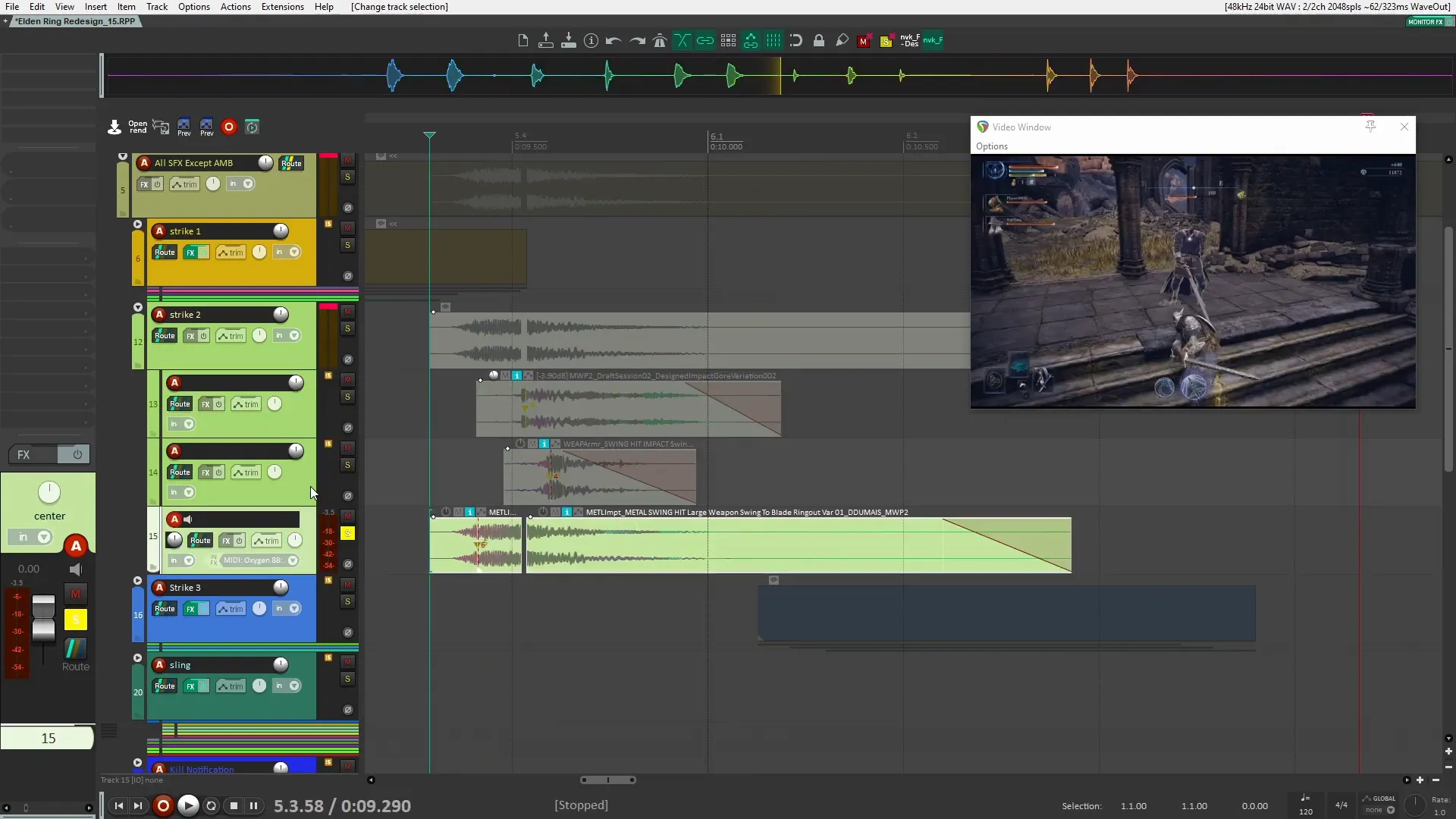
We started with the sword strikes at the top of our audio session in Reaper. The reasoning behind this is simple: the most crucial sounds should be prioritized. By placing them at the top, we ensure they stand out and are not masked by other audio elements.
- Layering: I used multiple layers of sword strikes sourced from my melee weapons pack. Each layer contributes to a fuller sound.
- Processing: Minimal processing was applied initially. I focused on cutting off the low frequencies to avoid a boomy sound, allowing the transients to shine through.
Let’s listen to how these layers come together:
Sling Sound Design
Next, we moved on to the sling sound effects. This is where creativity really shines. The sling has two main components: the throw and the pullback. Here’s how we crafted these sounds:
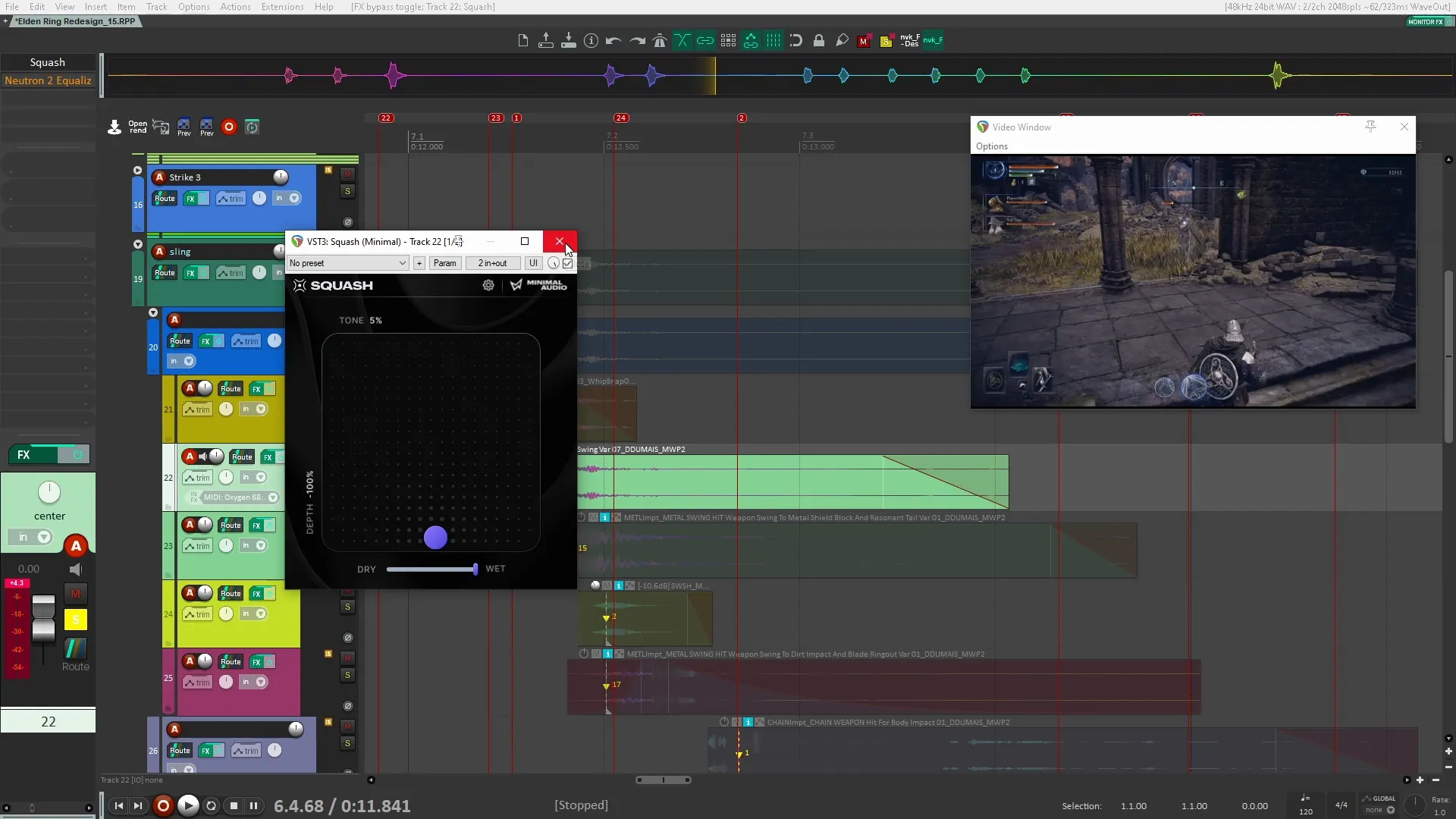
- First Section (Throw): This sound required significant processing to reduce noise and enhance tonal quality. Using a tool like m ratio MB helped bring out the preferred tonal aspects.
- Second Section (Pullback): The goal here was to achieve a transient-heavy sound. I aimed for a punchy effect that would resonate well with players.
Take a listen to the difference processing makes:
Kill Notification Sounds
One of the more exciting aspects of sound design in Elden Ring Nightreign is the kill notification. This sound alerts players when they’ve successfully defeated an enemy. Here’s how I approached this:
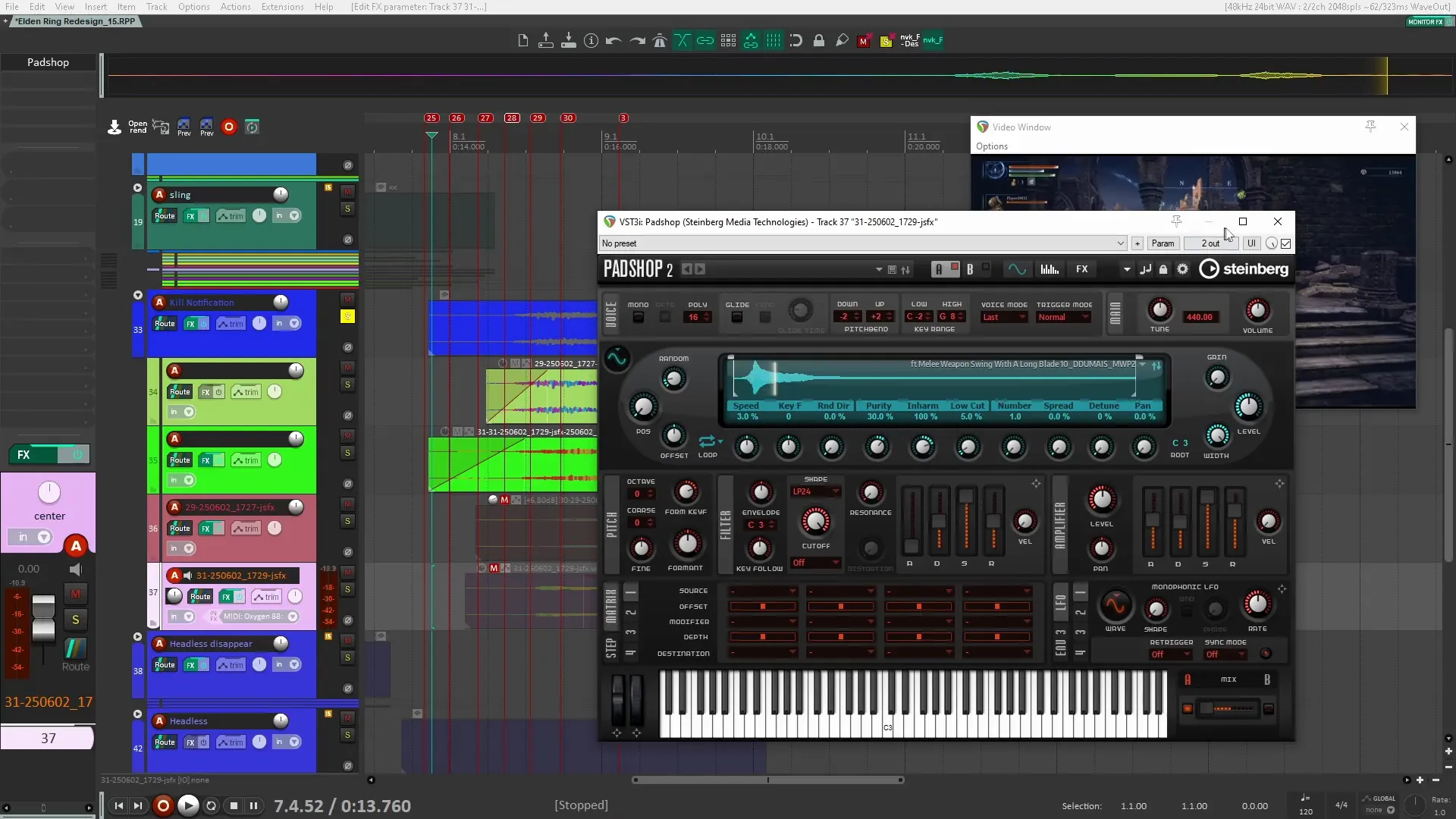
- Sound Source: I used a sword scrape sound from my melee weapons pack, processed it through Padshop Pro, a granular synth.
- Effect Tweaks: By adjusting the purity and speed settings, I created a unique sound that captures the essence of victory.
Let’s hear the final result:
Enemy Appear/Disappear Effects
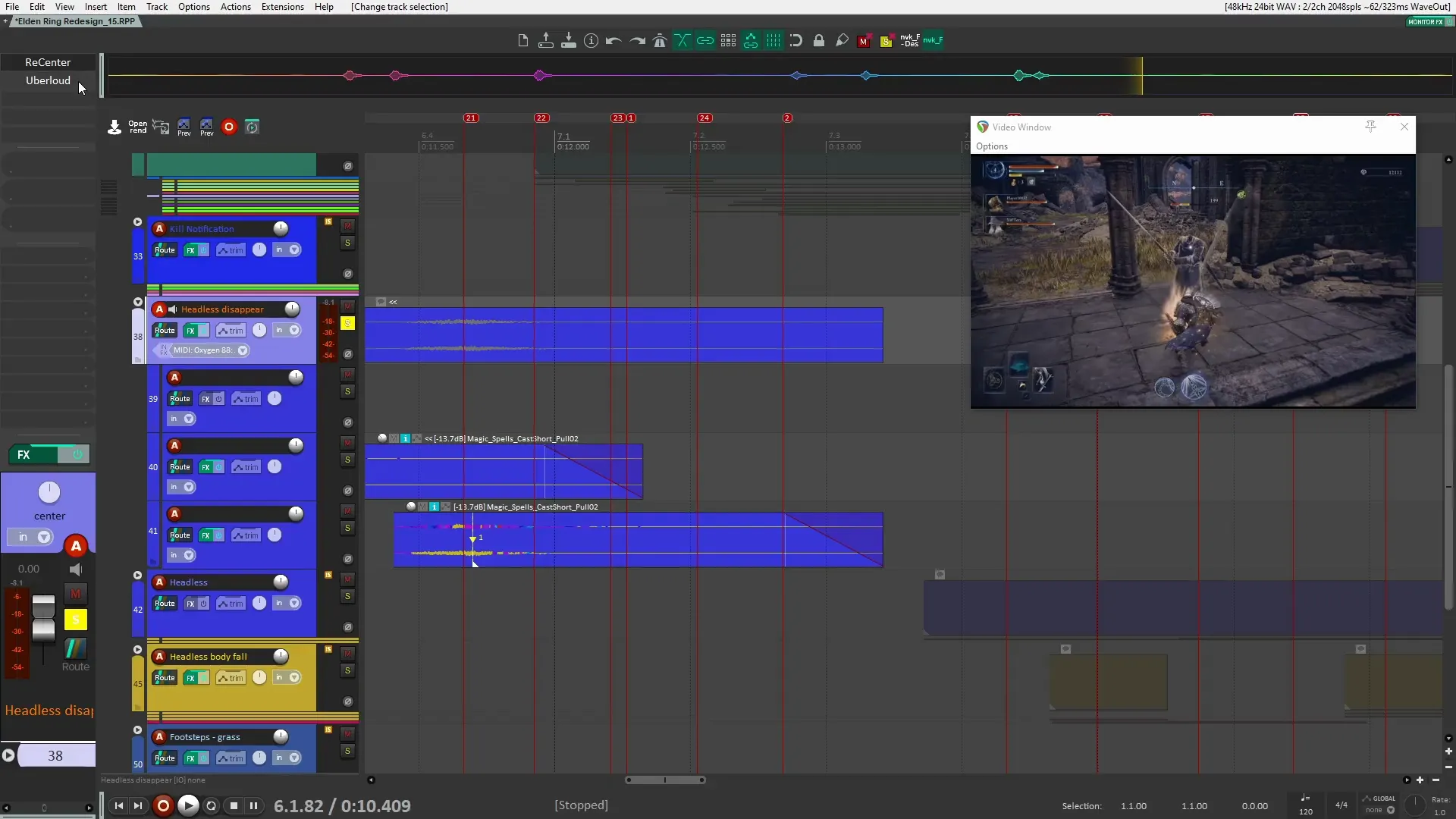
Next, we worked on the sounds for when enemies appear and disappear. This involves creating a sense of magic and surprise. The sound needs to feel cohesive with the game’s theme. The following steps were taken:
- Sound Selection: I sourced these sounds from my magic pack, ensuring they matched the game’s aesthetic.
- Processing: Adjustments were made to the format and harmonics to create two distinct yet complementary sounds.
Here’s how the sounds come together:
Enemy Death Sounds
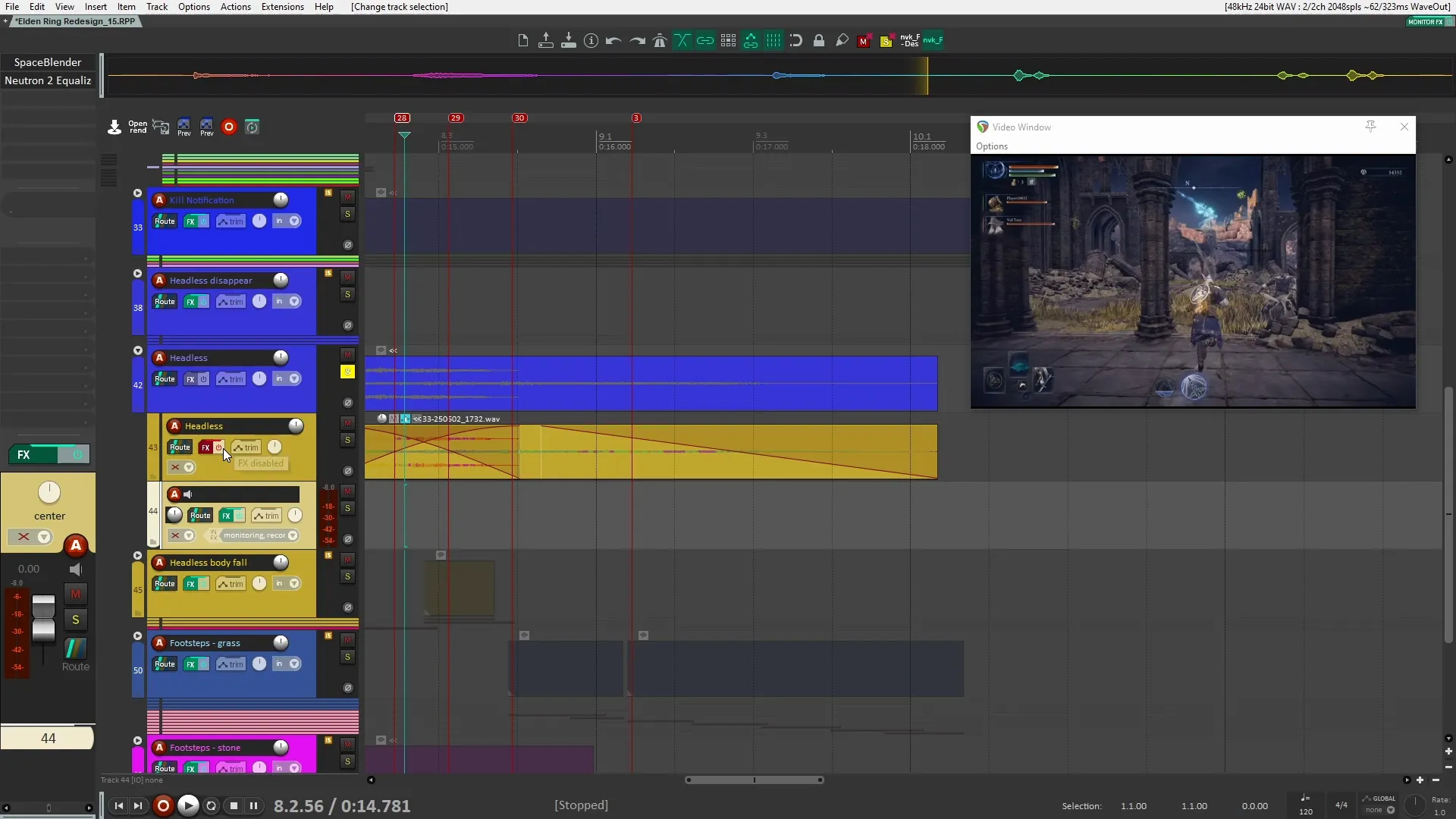
The death sounds of enemies are vital for gameplay feedback. I combined two sounds to create a layered effect:
- Grunt Sound: Taken from a Monster Pack, this adds a realistic touch.
- Exhalation: My own recording of a long exhale gives a personal touch to the death sound.
Let’s listen to how these elements combine:
Body Fall Sound Effects
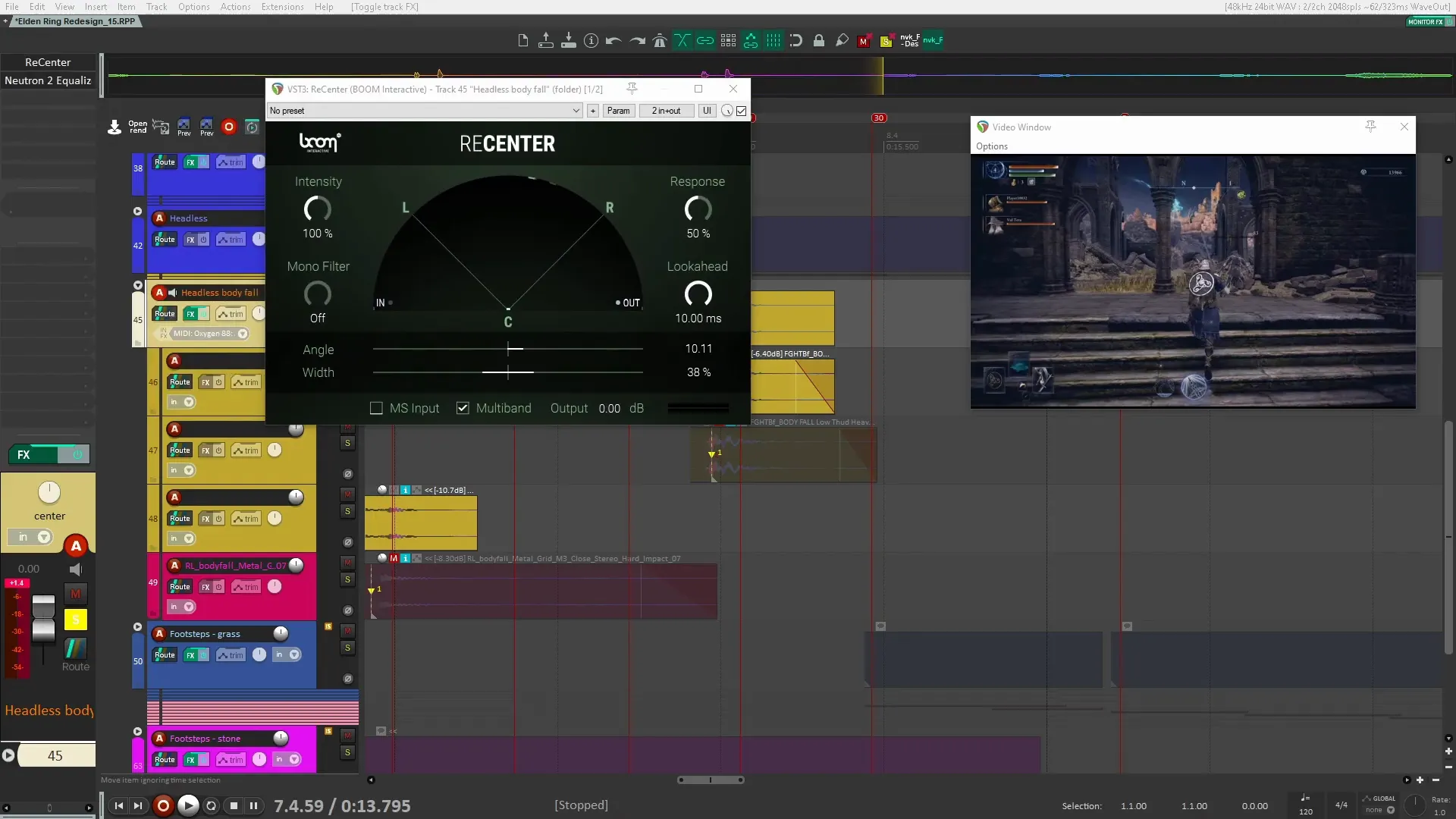
When an enemy falls, the sound needs to convey weight and impact. Here’s how I approached body fall sounds:
- Simple Processing: Minimal processing was applied, focusing on placing the sound in the stereo field and controlling low-end frequencies.
- Layering: Combining various fall sounds enhances the realism and impact.
Here’s the result:
Footstep Audio Design
Footsteps contribute significantly to the immersive experience in Elden Ring Nightreign. Here’s how I designed them:
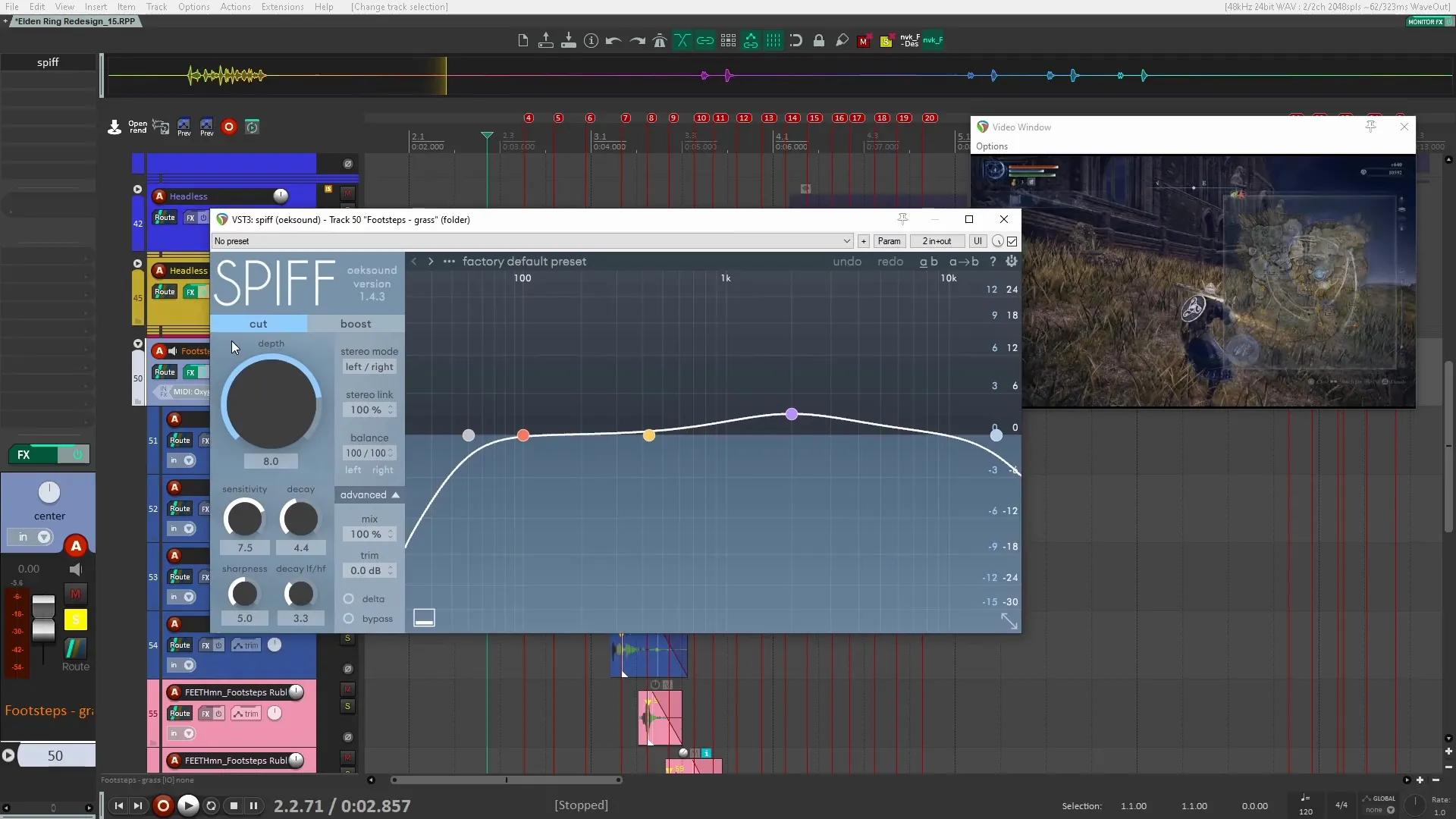
- Group Processing: Instead of processing each footstep sound individually, I applied group bus processing to maintain consistency.
- Transient Control: Using Spiff helped to smooth out the transients, making the footsteps blend seamlessly into the background.
Let’s listen to the footstep sounds:
Ambient Soundscapes
Lastly, we explored ambient soundscapes. These sounds set the mood and atmosphere in the game:
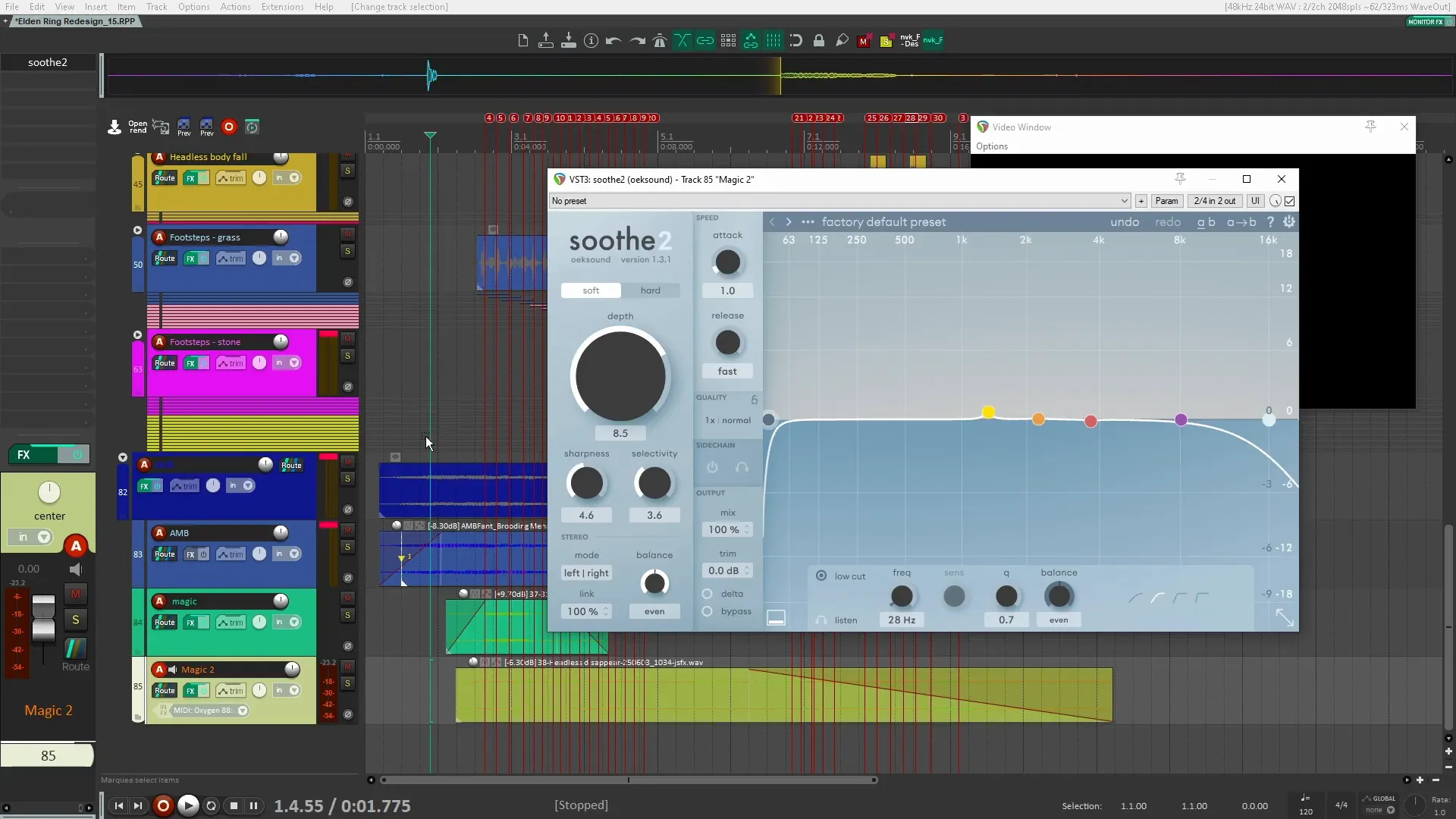
- Fantasy Ambience Pack: I used sounds from my fantasy ambiance sound pack to create a brooding and menacing atmosphere.
- Magic Sparkle: This sound was created using the same techniques as the kill notification, adding layers for depth.
Take a listen:
Ducking Ambient Sounds
One of the final touches was to implement ducking for ambient sounds. This technique ensures that ambient sounds don’t overpower key sound effects:
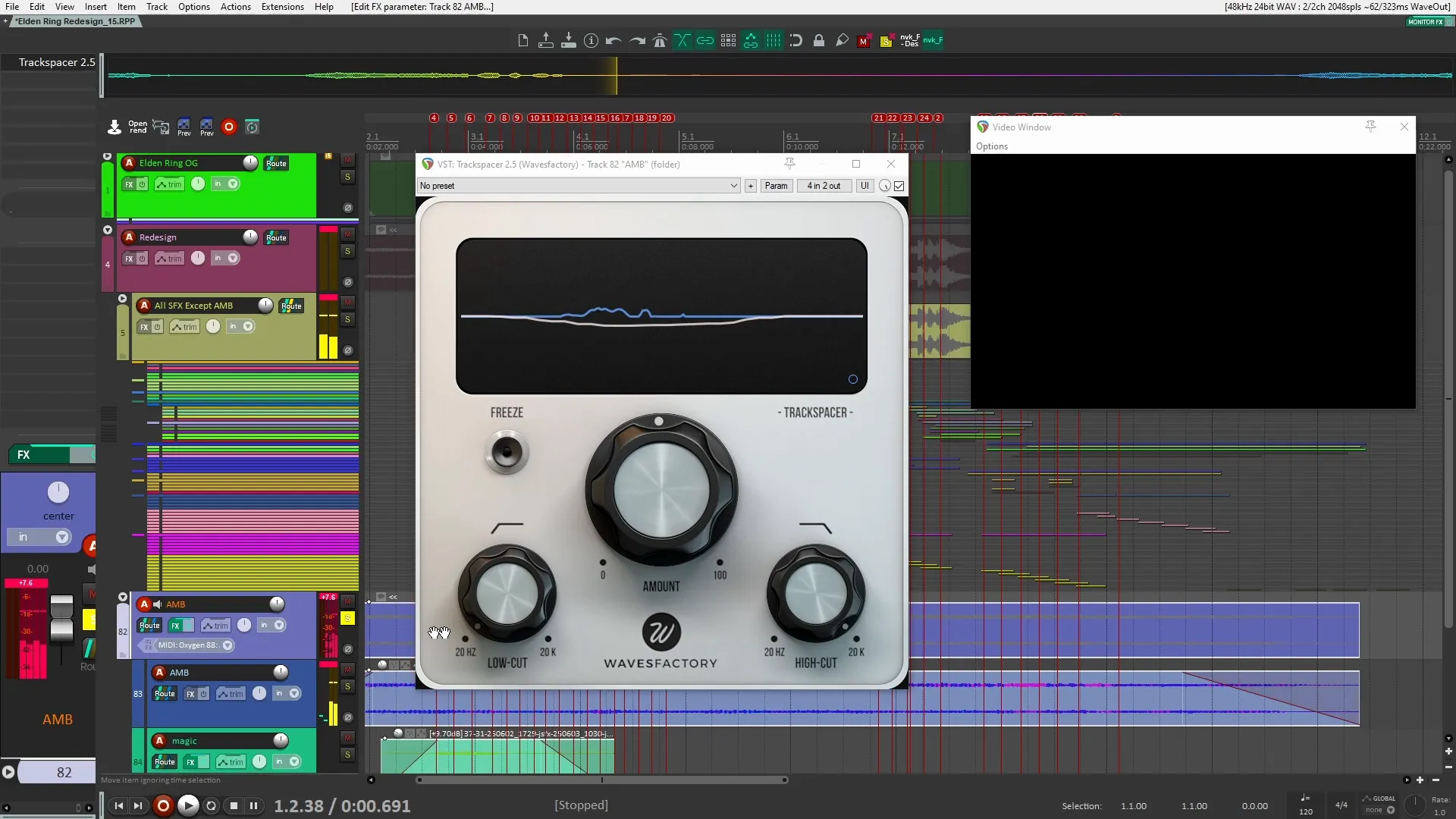
- Trackspacer: I used Trackspacer to duck ambient sounds whenever a sound effect played, allowing sound effects to take priority.
- Minimal Settings: The settings were minimal to avoid noticeable pumping, ensuring a smooth audio experience.
Let’s hear the effect:
Conclusion
Through this detailed breakdown of the sound design process for Elden Ring Nightreign, I hope you’ve gained insights into how to create impactful sound effects. From layering and processing to final touches, each step is crucial for crafting an immersive experience. If you’re interested in learning more or wish to explore the sound sources used in this redesign, feel free to check out the links provided.
FAQs
- What tools are recommended for sound design?
In this redesign, the tools I used include Padshop Pro, Spiff, and Trackspacer. Each serves a unique purpose in the sound design process.
- How can I learn more about sound design?
Consider checking out online courses or resources specific to sound design in games. Hands-on practice is also invaluable.
- Can I use the sound effects from the video?
Yes, many of the sounds are available in my sound libraries, which you can explore HERE.